
RunMeet - Field Event Results
Vertical Events
(High Jump / Pole Vault)
Enter End Results Only
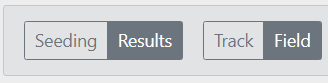
- In RunMeet, verify you are in field event result entry mode.
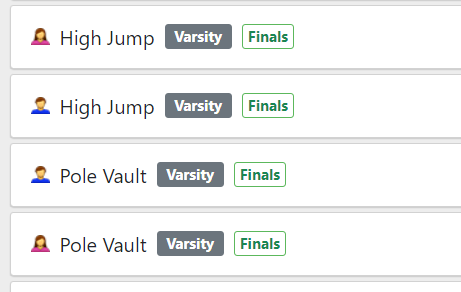
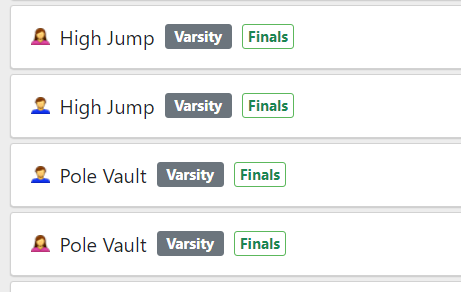
- Select the event you want to enter the results of.
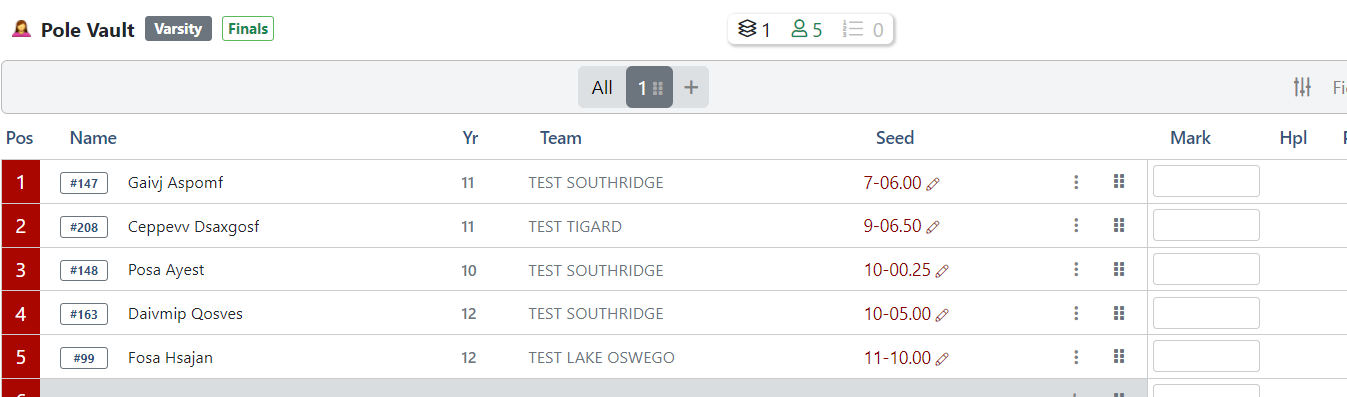
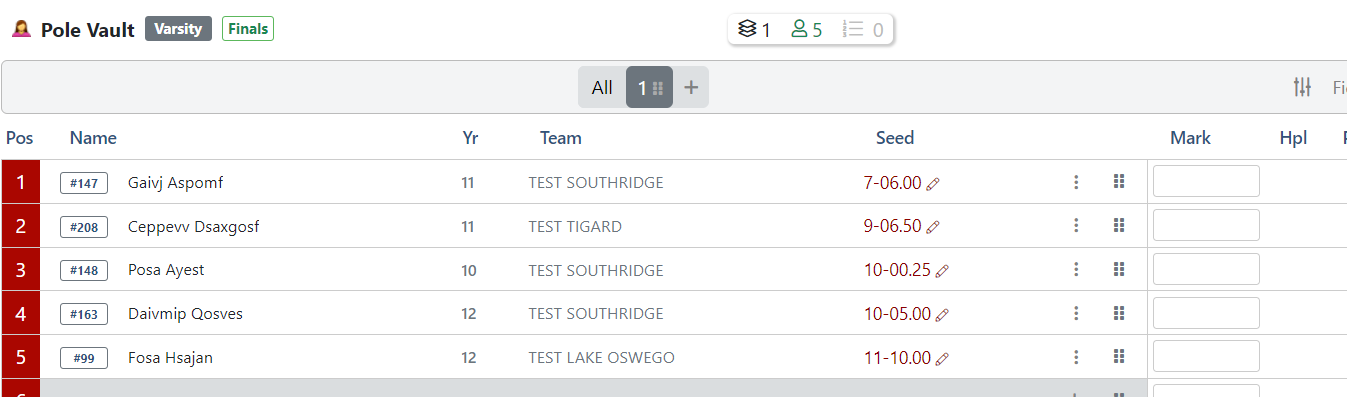
- Enter the best height for each participant in the mark column.
Height Example You Enter Mark Result 5 feet 5 5-00.00 6 feet 6 inches 60600 6-06.00
6 feet 6 inches 6-6 6-06.00
7 feet 6.5 inches 70650 7-06.50
10 feet 6.5 inches 100650 10-06.50
10 feet 6.5 inches 10-6.5 10-06.50
Failed to clear opening height NH No Height Did not start/show DNS
(or Unseed the athlete using the 3 dots next to the mark column.)Did Not Start - If necessary, additonal athletes can be added by name using the + in any open row.
- Once all results are entered, let the timer know so the results can be reviewed.
Enter Results via Field Series
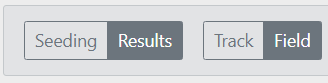
- In RunMeet, verify you are in field event result entry mode.
- Select the event you want to enter the results of.
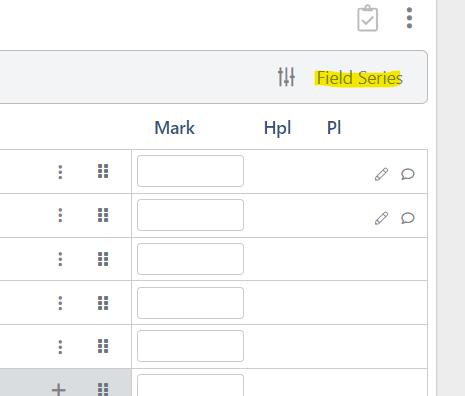
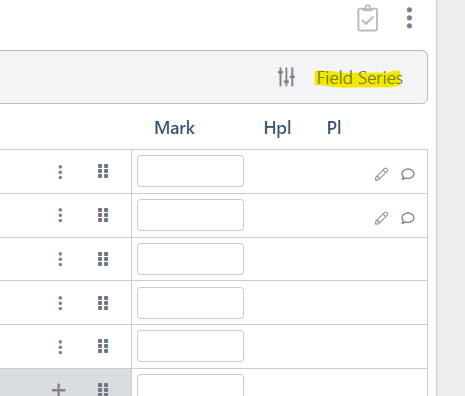
- Select the Field Series option.
-
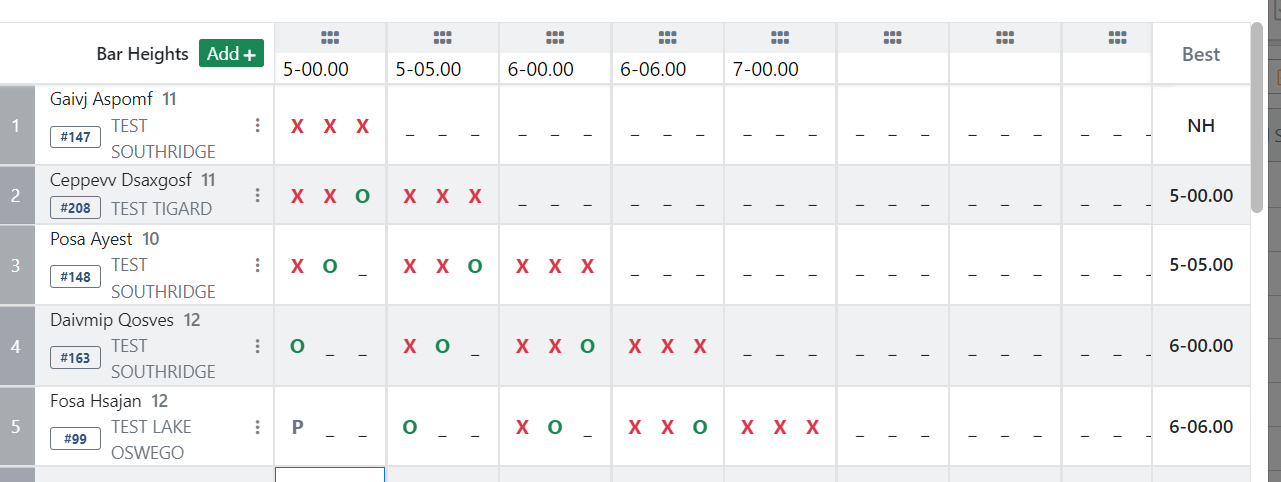
Enter the bar heights in the top row. (Click
 to add additional heights.)
Bar Height You Enter Height Result 5 feet 5 5-00.00 6 feet 6 inches 60600 6-06.00
6 feet 6 inches 6-6 6-06.00
7 feet 6.5 inches 70650 7-06.50
10 feet 6.5 inches 100650 10-06.50
10 feet 6.5 inches 10-6.5 10-06.50
- If necessary, additonal athletes can be added by name using the + in any open row.
- For each athlete enter their height attempts. (Up to 3 per height.)
Attempt You Enter Pass Height (No Attempt / Skip Height) P Cleared the Height O Didn't Clear the Height X 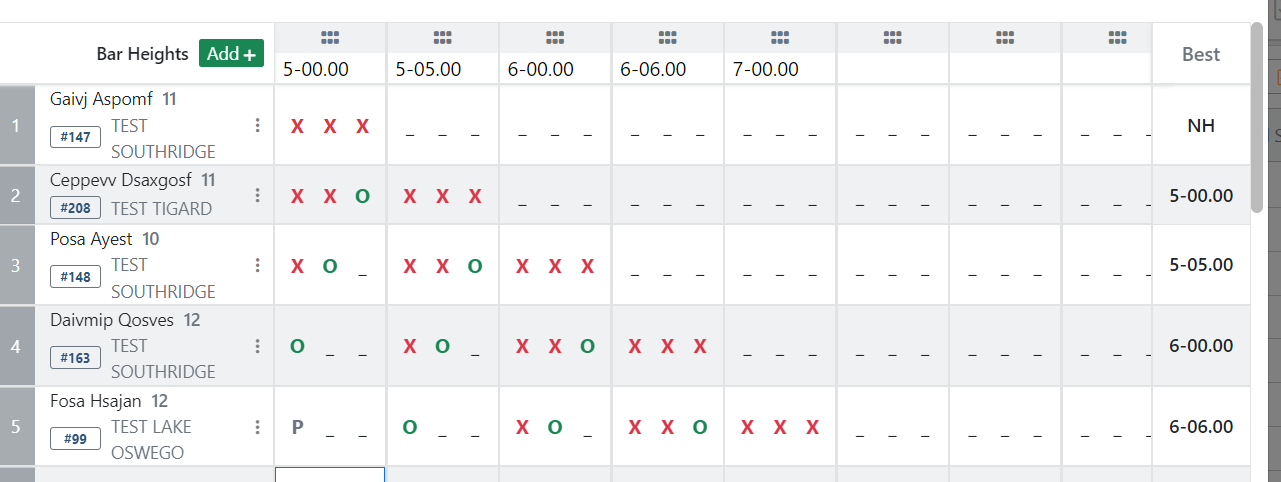
- Press DONE when finished entering results. Enter DNS or use the 3 dots in an athlete's row and unseed if they did not participate.
- Once all results are entered, let the timer know so the results can be reviewed.

Horizontal Events
Long Jump / Shot Put / Discus
Enter End Results Only
- In RunMeet, verify you are in field event result entry mode.
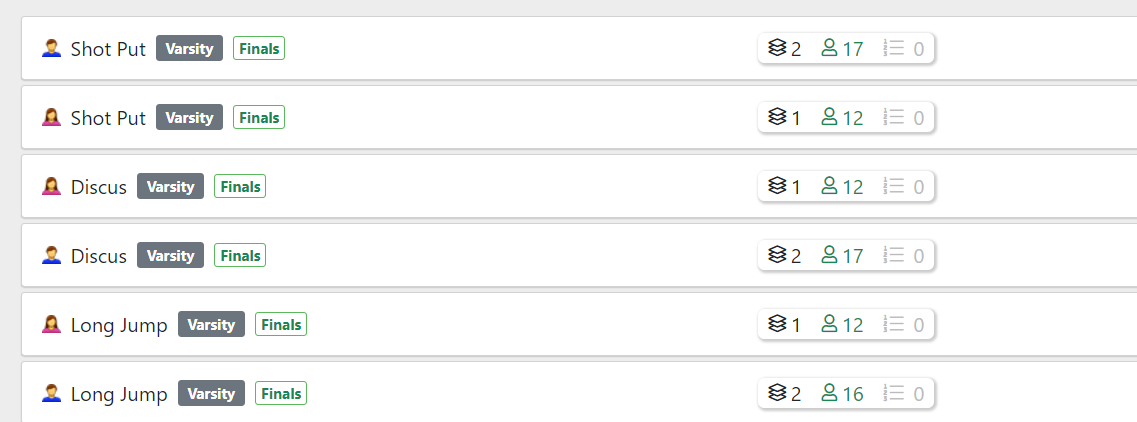
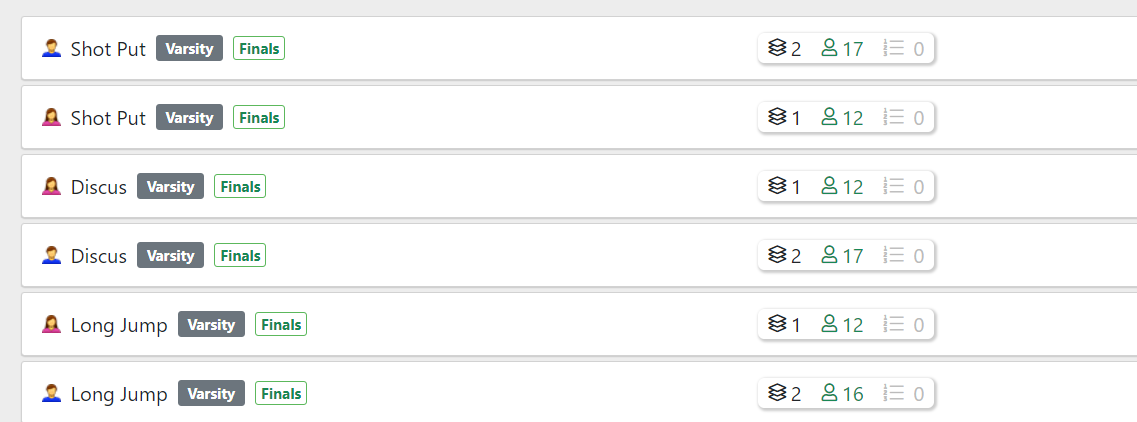
- Select the event you want to enter the results of.
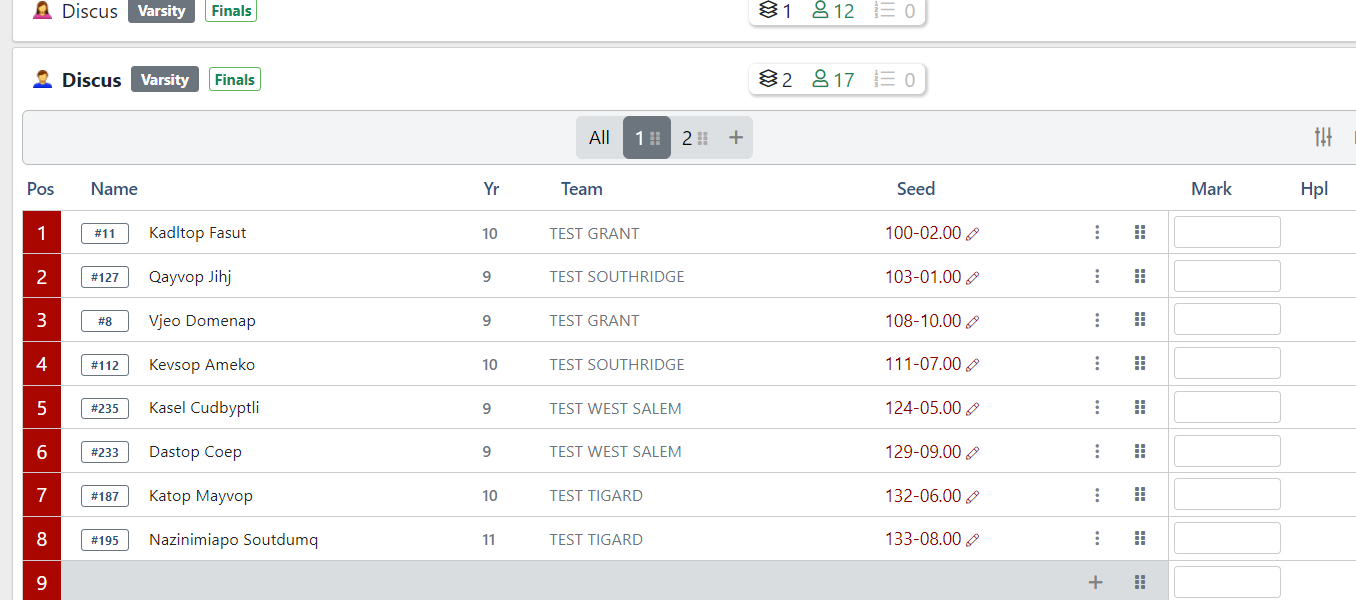
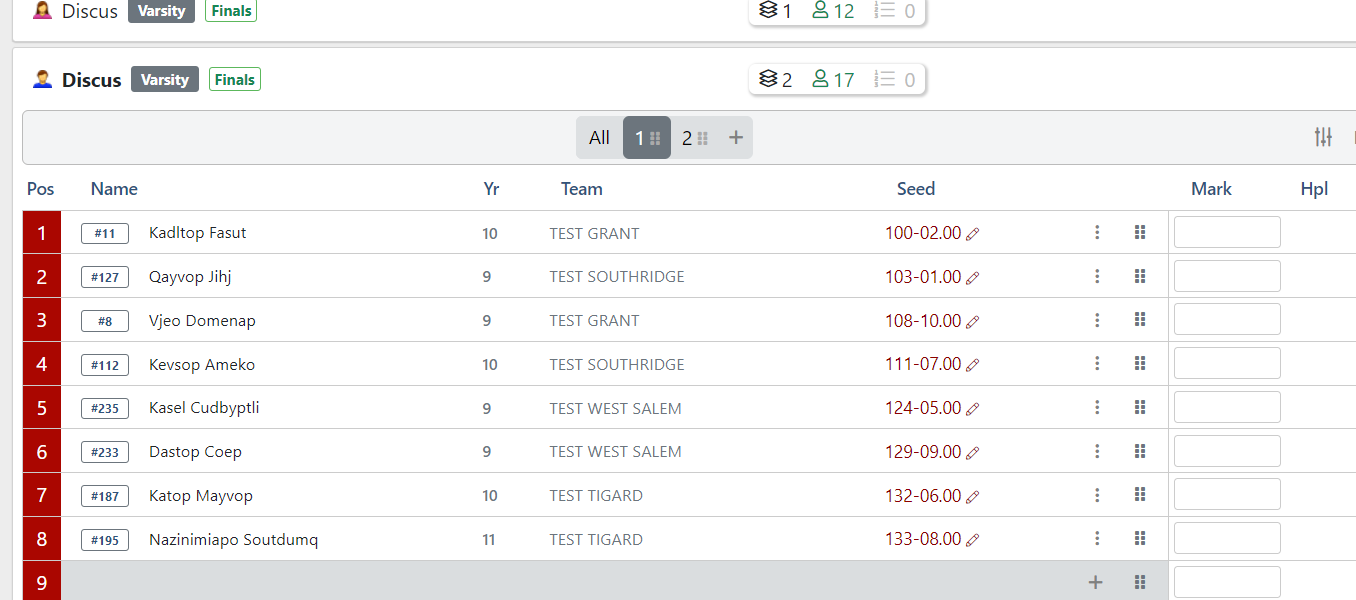
- Enter the best distance for each participant in the mark column.
Distance Example You Enter Mark Result 5 feet 5 5-00.00 6 feet 6 inches 60600 6-06.00
6 feet 6 inches 6-6 6-06.00
7 feet 6.5 inches 70650 7-06.50
10 feet 6.5 inches 100650 10-06.50
10 feet 6.5 inches 10-6.5 10-06.50
Failed to make a valid jump or thow ND No Distance Did not start/show DNS
(or Unseed the athlete using the 3 dots next to the mark column.)Did Not Start - If necessary, additonal athletes can be added by name using the + in any open row.
- Once all results are entered, let the timer know so the results can be reviewed.
Enter Results via Field Series
- In RunMeet, verify you are in field event result entry mode.
- Select the event you want to enter the results of.
- Select the Field Series option.
-
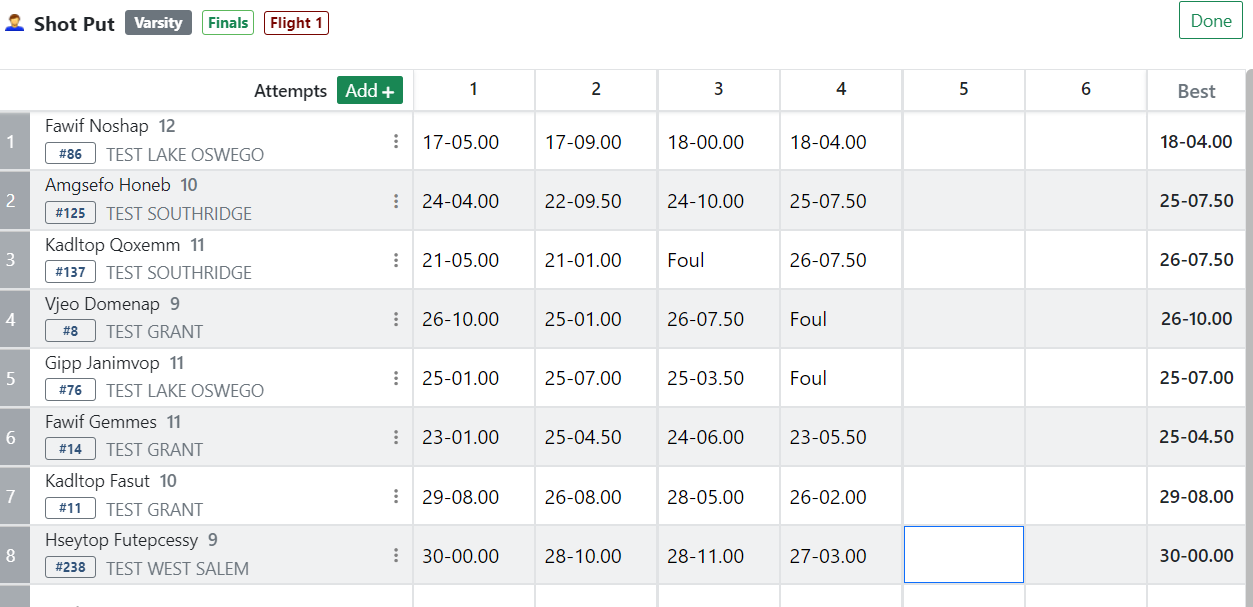
Enter the distances next to the respective athlete's name. (Click
to add additional attempts.)Throw/Jump Distance Example You Enter Height Result 5 feet 5 5-00.00 6 feet 6 inches 60600 6-06.00
6 feet 6 inches 6-6 6-06.00
7 feet 6.5 inches 70650 7-06.50
10 feet 6.5 inches 100650 10-06.50
10 feet 6.5 inches 10-6.5 10-06.50
Foul F Foul
- If necessary, additonal athletes can be added by name using the + in any open row.Press DONE when finished entering results.
- Enter DNS or use the 3 dots in an athlete's row and unseed if they did not participate.
- Once all results are entered, let the timer know so the results can be reviewed.

No Comments