RunMeet - Field Event Results
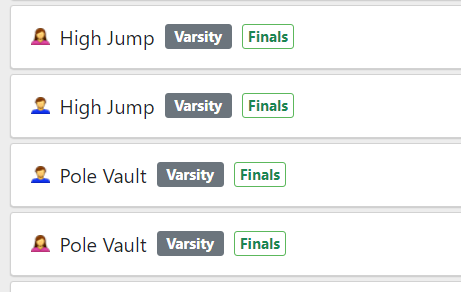
Vertical Events
(High Jump / Pole Vault)
Enter End Results Only
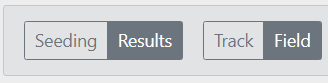
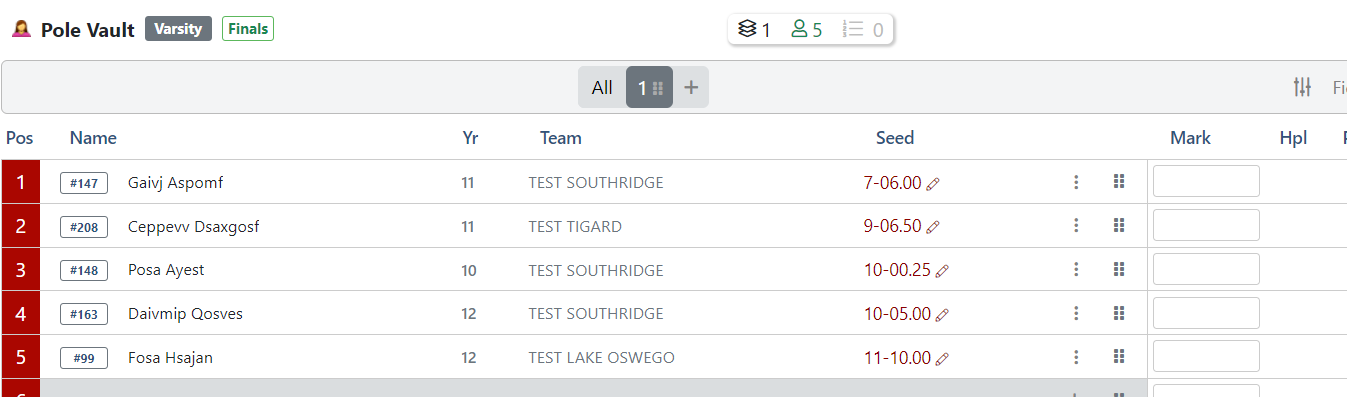
- In RunMeet, verify you are in field event result entry mode.
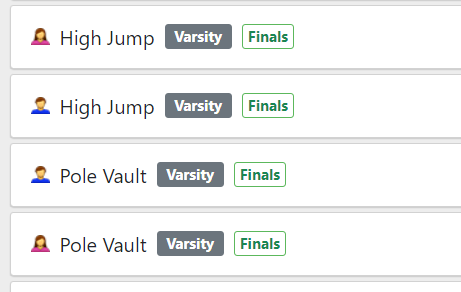
- Select the event you want to enter the results of.
- Enter the best height in the mark column.
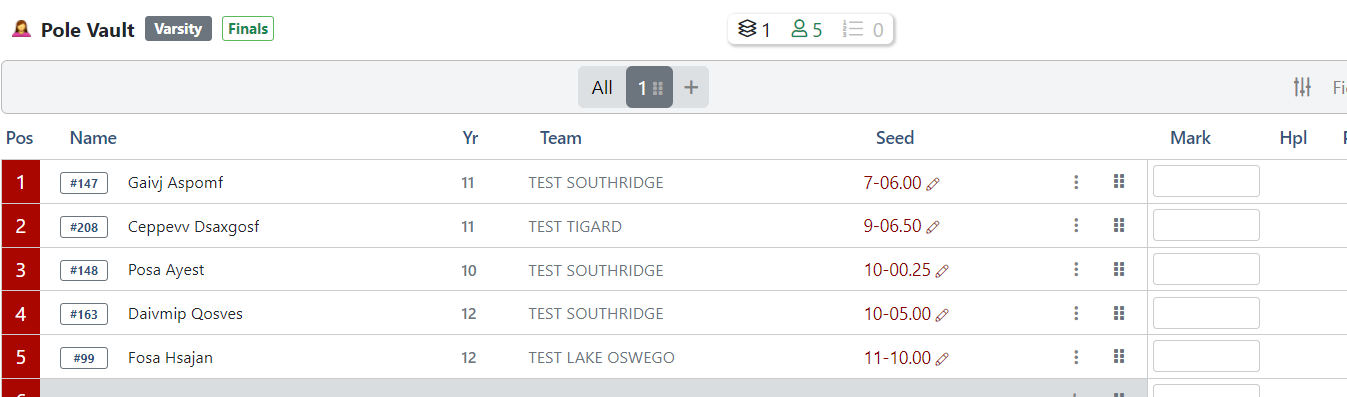
Height Example You Enter Mark Result 5 feet 5 5-00.00 6 feet 6 inches 60600 6-06.00
7 feet 6.5 inches 70650 7-06.50
10 feet 6.5 inches 100650 10-06.50
10 feet 6.5 inches 10-6.5 10-06.50
Failed to clear opening height NH No Height Did not start/show DNS
(or Unseed the athlete using the 3 dots next to the mark column.)Did Not Start
Horizontal Events
Long Jump / Shot Put / Discus